
Calculate SHA-256 for the downloaded APK and compare the entire result with the file record. This checks whether the bytes match. A file hash is not a signing-certificate fingerprint and does not establish the publisher or certify safety.
Use the record for the file you downloaded
Open the download details and keep the inspection record beside your file. The recorded copy has 58,114,094 bytes, version name 1.0 and version code 1; it was inspected on 13 October 2026. That is not a release date.
Select the APK itself, not a shortcut, web page or text file containing a hash. The commands below read the file without installing it. Replace the example path with its actual location and keep the quotation marks.
Calculate SHA-256 on Windows
Open PowerShell and run the command below with your own file path. In the result, compare the value in the Hash field—not the path shown beside it. “File not found” means the path needs correcting; it is not a hash mismatch.
File identity and on-phone behaviour need separate checks. After reading the file record, use the Android permission checklist for requests you see on your device. If you already have an installation, check update identity and compatibility before replacing it. If the browser has not finished receiving the file, start with the paused-download checks before inspecting or installing it.
Get-FileHash -LiteralPath "C:\Downloads\your-file.apk" -Algorithm SHA256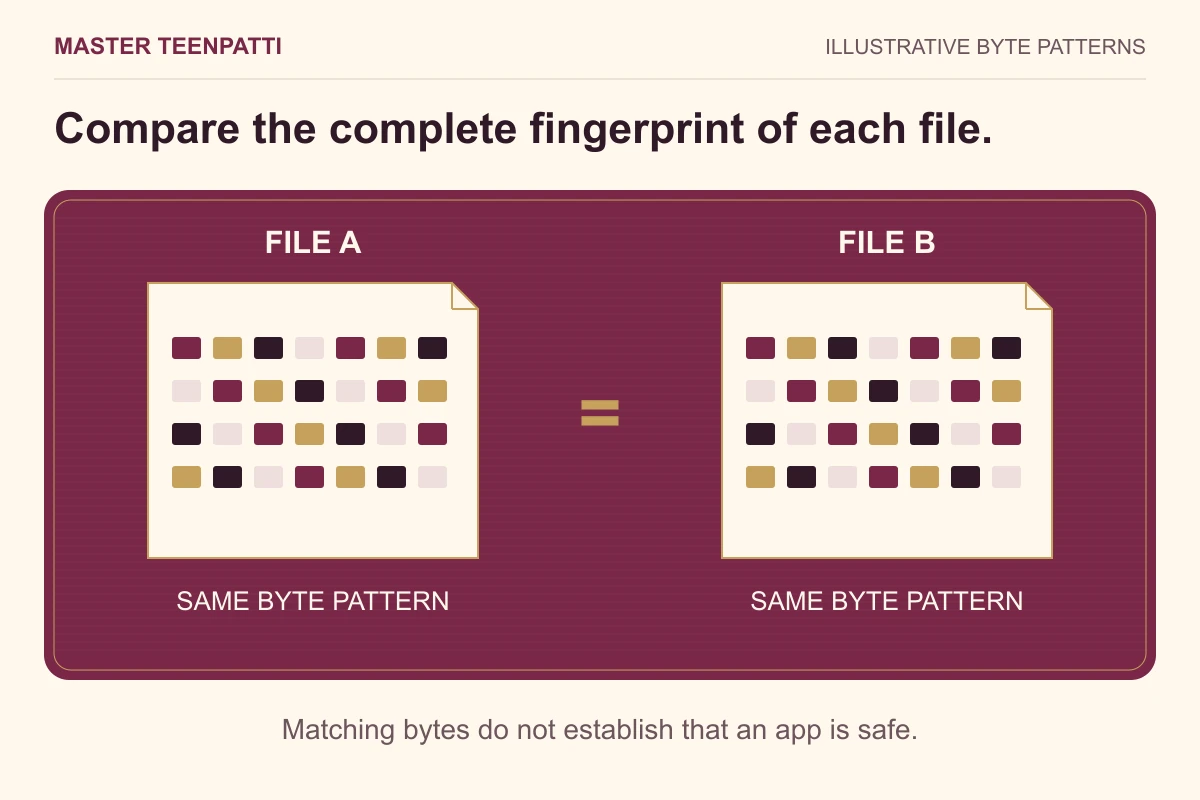
Calculate SHA-256 on a Mac
Open Terminal and run the command below with the full path to the APK. The output begins with the hash and then shows the filename. Compare the hash, leaving the filename out.
shasum -a 256 "/path/to/your-file.apk"Using an Android phone only
The browser’s download list can show completion and size, but may not offer a file-hash calculation. If a file manager you already trust supports SHA-256 for a selected file, use that function. Otherwise transfer the unchanged APK to a computer and follow one of the steps above.
Choose a file-hash operation, not a text-hash operation. Do not install the APK merely to check it, and do not upload private files to an unknown online checker.
Compare the complete result
SHA-256 is displayed as 64 hexadecimal characters. Uppercase and lowercase letters represent the same value; every digit must still agree. Matching the first or last few characters is not a full comparison.
Swipe sideways to see all columns →
| Result | Meaning | Next step |
|---|---|---|
| Full hash matches | The bytes match the recorded file | Keep the record; continue with the separate installation checks. |
| Hash differs | The files do not have the same contents | Recheck the source and record before treating it as the listed APK. |
| Size matches but hash differs | Equal length does not mean equal contents | Use the full hash result rather than rounded MB. |
| Same hash, different filename | Renaming did not change the contents | Record the original source; naming alone does not establish identity. |
File SHA-256 and signer SHA-256 answer different questions
The file hash is calculated over the APK file. A signing-certificate fingerprint identifies the certificate used for signing. Both can be written as SHA-256 values, but they are hashes of different inputs and should not be compared to each other.
Android’s apksigner documentation describes signature verification. A verified signature still needs an independently trusted publisher identity to establish who supplied the app. This website publishes a file hash, not a confirmed publisher certificate.
Why 58.1 MB and about 55.4 MiB can describe the same file
The record contains 58,114,094 bytes. Dividing by 1,000,000 gives about 58.1 MB; dividing by 1,048,576 gives about 55.4 MiB. File managers may use different units or rounding. Compare the byte count and full hash rather than treating the two rounded figures as a mismatch.
Renaming the file or moving an unchanged copy to another folder does not change its SHA-256. Selecting a different copy does: if several downloads have similar names, check the path used by the command before comparing its output.
What to check next
If the bytes match but Android refuses installation, follow the installation error guide. If an app is already installed, follow the update checks. Neither problem is answered by renaming the download or repeatedly calculating the same hash.
The listed hash and the download are provided through this website’s record. Their agreement checks that record; it is not an independent security audit.
Keep a result you can compare later
Save five details together: the download source, the local filename, the exact byte count, the complete SHA-256 and the date of your check. A screenshot showing only the filename or rounded size cannot reproduce a file comparison.
If you select a second copy, calculate its hash separately. “(1)” in the filename usually distinguishes a saved copy; it does not tell you whether its bytes are the same.
Compare a file in your browser · Report a discrepancy in the website record
Questions readers ask
Is a matching SHA-256 proof that the APK is safe?
No. It identifies matching bytes relative to the reference record. It does not test app behaviour, establish the publisher or guarantee device compatibility.
Why does my result use capital letters?
Hexadecimal letters A–F can be uppercase or lowercase. Case does not change the value; all 64 digits still need to match.
Can I compare this hash with a signer fingerprint?
No. A file hash and a signing-certificate fingerprint use different inputs. Use a reference for the same kind of hash.
Master TeenPatti · Practical guides
Put the checksum check into practice
Take the completed APK used in your check. The local tool calculates its SHA-256, reports its byte size and compares both with our inspection record. A mismatch is a reason to investigate the file, not a diagnosis of malware.
Compare your file locally →Sources & scope
Uses the existing APK inspection record, Microsoft’s file-hash documentation and Android’s signing documentation. No new file inspection, malware scan or publisher verification is claimed.