
“App not installed” does not identify one cause. First keep the exact Android message. Then check the completed download, phone requirements and whether an app is already installed. Do not uninstall that app or erase its data as your first fix.
One retry can answer a question; repeated retries cannot
Suppose the download stops halfway. Removing that incomplete copy and downloading it again can produce a complete APK. But if the complete file has the same SHA-256 and Android rejects it with the same message, another identical transfer will not change the package, version or signing information.
At that point, keep the error and move to the matching check below: Android requirement, free storage, source permission or an installed-app conflict. If Play Protect identifies a harmful app, stop rather than disabling the warning.
Which message do you actually see?
Swipe sideways to see all columns →
| What you see | What to inspect first | What this does not prove |
|---|---|---|
| Download stopped / no completed file | Connection, browser download status and free storage | An Android installation failure |
| Problem parsing the package | Whether the file finished downloading and meets the phone’s requirements | A specific signing conflict |
| App not installed | The file, free space and any existing app | One definite cause without further details |
| Not allowed to install from this source | The browser or file manager named in Android’s permission prompt | That the APK has been checked for safety |
| Play Protect warning | The exact warning and the file’s source | That switching off protection is a suitable fix |
1. Confirm that you have a complete file
Open the browser’s download list. A progress indicator, interrupted status or temporary file is not a finished APK. The current file record lists 58,114,094 bytes. A phone may display that as about 58.1 MB; a rounded figure alone cannot identify the file.
If the download stopped, remove only that unfinished copy and download again on a stable connection. If it finished, use the SHA-256 comparison before assuming another download will solve the error.
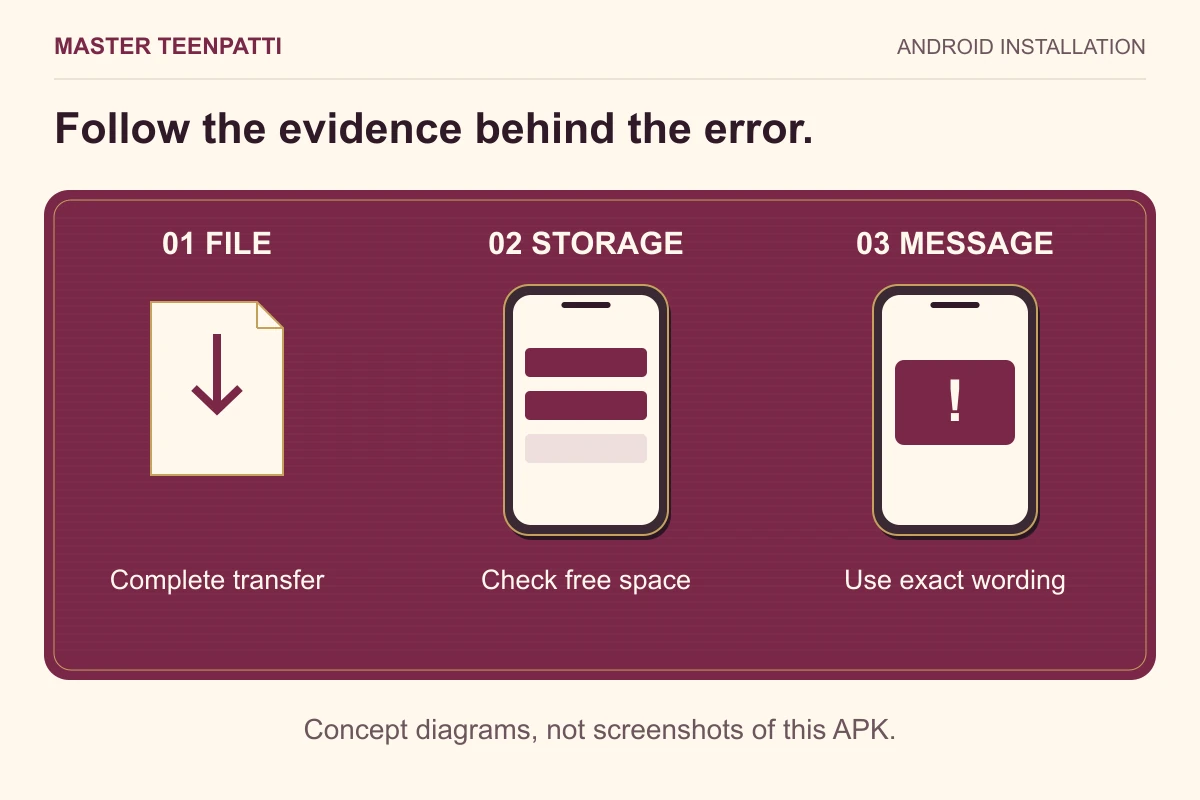
2. Check Android and free storage
The inspected manifest declares Android 5.0 / API 21 as the minimum. Find your Android version in Settings, usually under About phone. A newer Android version is not a promise that every device will install or run this APK.
Installation also needs room for unpacked app files and temporary work. This website has not measured the installed footprint, so it cannot give a fixed minimum-free-space figure. Check the storage warning shown by your own phone rather than assuming that 59 MB free is enough.
3. Check whether this is an attempted update
If a similarly named app is already installed, record its version before changing it. The package identity, signing compatibility and version rules matter; the logo and filename are not an update check.
Keep the installed app and its data until the operator’s recovery process is clear. See the update guide for the checks that differ from a first installation. Re-downloading identical bytes cannot change the signer or package identity.
4. Read the permission or security prompt
Where Android offers an “Install unknown apps” permission, it applies to the source opening the file, such as a browser or file manager. Authorising a source is different from approving an APK’s safety. Review the named source and leave unused install access disabled.
An installation permission and an installed app’s camera or microphone permission are different controls. The two-permission explanation helps you identify the screen you are seeing. If the failure followed an update, work through the update checks before uninstalling. If the browser has not finished receiving the file, start with the paused-download checks before inspecting or installing it.
Keep Play Protect enabled. If it warns that the app may be harmful, stop and investigate the source and publisher rather than cycling through other installers. The file record here is not a security certification.
A worked diagnosis: same file, same error
Suppose the download completed and its full hash matches the record, but Android still displays “App not installed”. A second identical download has not changed the package, signer or version. The next useful detail is whether another app with that identity is installed and what Android says about the attempted replacement.
Change one relevant condition at a time and keep the message after each attempt. Do not combine a reinstall, storage deletion and a new download: that removes information needed to tell which action affected the result. A security warning remains a reason to stop, not a condition to work around.
5. Send the details that narrow the problem
Use Contact & corrections for a website download-link or record problem. Include the phone model, Android version, exact error, whether the download completed and whether an app is already installed. A cropped screenshot can help if it contains no private notifications.
If installation succeeds but login fails, that is a different stage. Use the app operator’s verified account-support channel. The website mailbox cannot reset an app account or inspect its wallet.
- Phone model and Android version
- Exact error text and when it appears
- Downloaded file size; full SHA-256 if you calculated it
- Existing app version, if applicable
- Checks already completed—without passwords, OTPs or PINs
Questions readers ask
Should I uninstall the existing app?
Not as a first step. Confirm the intended update path and how you would recover access and device-only data.
The hash matches. Why will it not install?
A matching file hash establishes byte identity, not device compatibility, available storage or a valid update relationship.
Will renaming the file fix the installation?
Renaming does not repair incomplete contents, change the app identity or make an incompatible update compatible. Keep the original error and investigate it.
Master TeenPatti · Practical guides
Turn the error into a next step
Before trying another fix, identify the stage: transfer, parsing, replacement of an existing app or a Play Protect warning. The support selector gives a different first check for each message.
Choose the message you see →Sources & scope
Troubleshooting based on Android documentation and the site’s file record. No installation on a physical phone or account-recovery test was performed for this guide.