
Editorial collection
Android Help Desk
Practical guidance for downloads, Android installation messages and APK file comparisons.
What this collection covers
This collection covers incomplete downloads, storage checks, installation errors, update precautions and SHA-256 comparisons. It keeps file inspection separate from app security or ownership claims.
How to use these guides
The file guide uses the recorded byte size, manifest and checksum from the APK inspected on 13 October 2026. Android safety explanations cite Google’s documentation. The app was not installed or run as part of that inspection.
Match the guide to the stage you reached
Before opening an APK, use the file-check guide. If Android rejects installation, use the error guide and keep the exact message. If an app is already installed, read the update checklist first. This order keeps a file-identification question separate from a device or account problem.
Keep evidence that helps diagnose the problem
Note the download page, inspection date, file size, phone model and Android version. A checksum comparison reads the file; it does not execute it. Our current record is a static file inspection, so no guide treats it as proof that login, account recovery or an upgrade was tested on your device.
Published guides

Master TeenPatti APK Not Installing? Check the Android Error
Find the next check for a failed Master TeenPatti install: unfinished download, Android requirement, storage, source permission or an existing-app conflict.
Read guide →
Check the Master TeenPatti APK: File Size & SHA-256
Compare your Master TeenPatti APK with the recorded bytes and full SHA-256. Follow Windows or Mac steps and distinguish a file hash from a signer fingerprint.
Read guide →
Update Master TeenPatti APK: Version & Compatibility Checks
Before updating Master TeenPatti, compare app identity, signing compatibility and version information. Keep account access intact if Android rejects the file.
Read guide →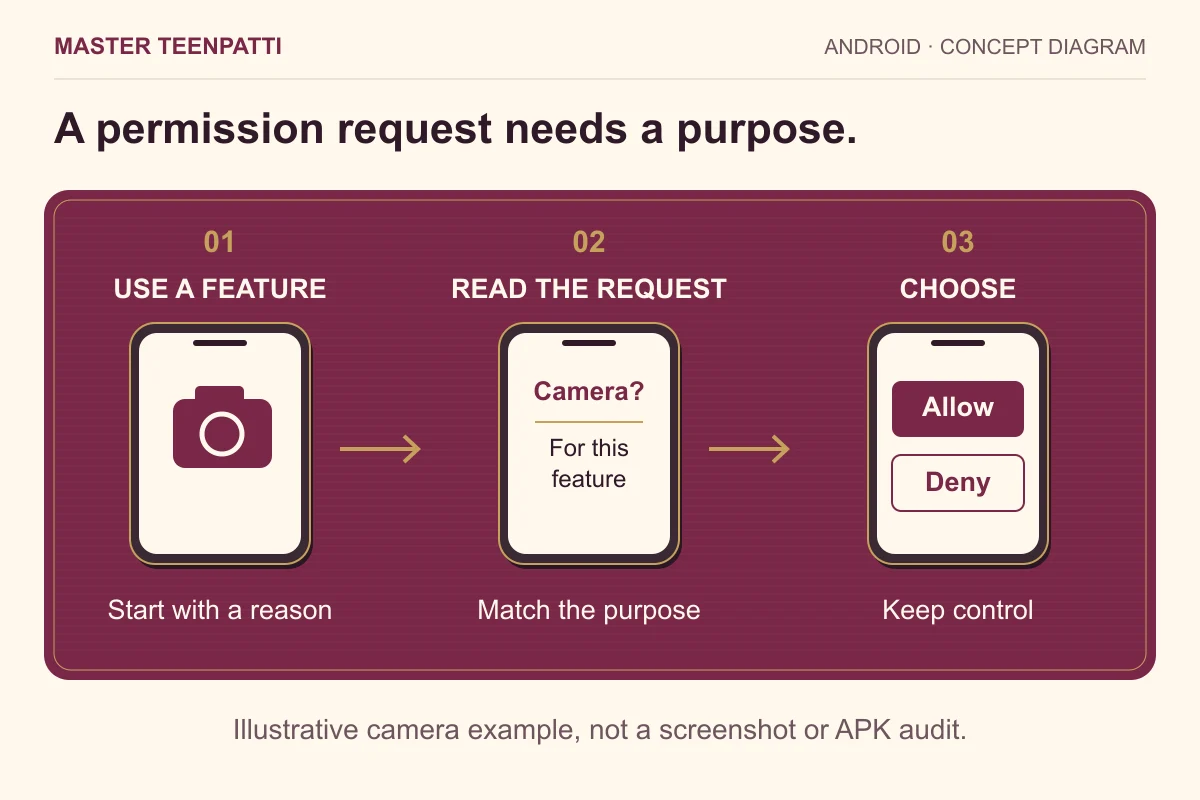
Android App Permissions: What to Check Before You Allow
Review Android permission requests in context, separate installation access from app permissions, and use a simple record to revisit your choices.
Read guide →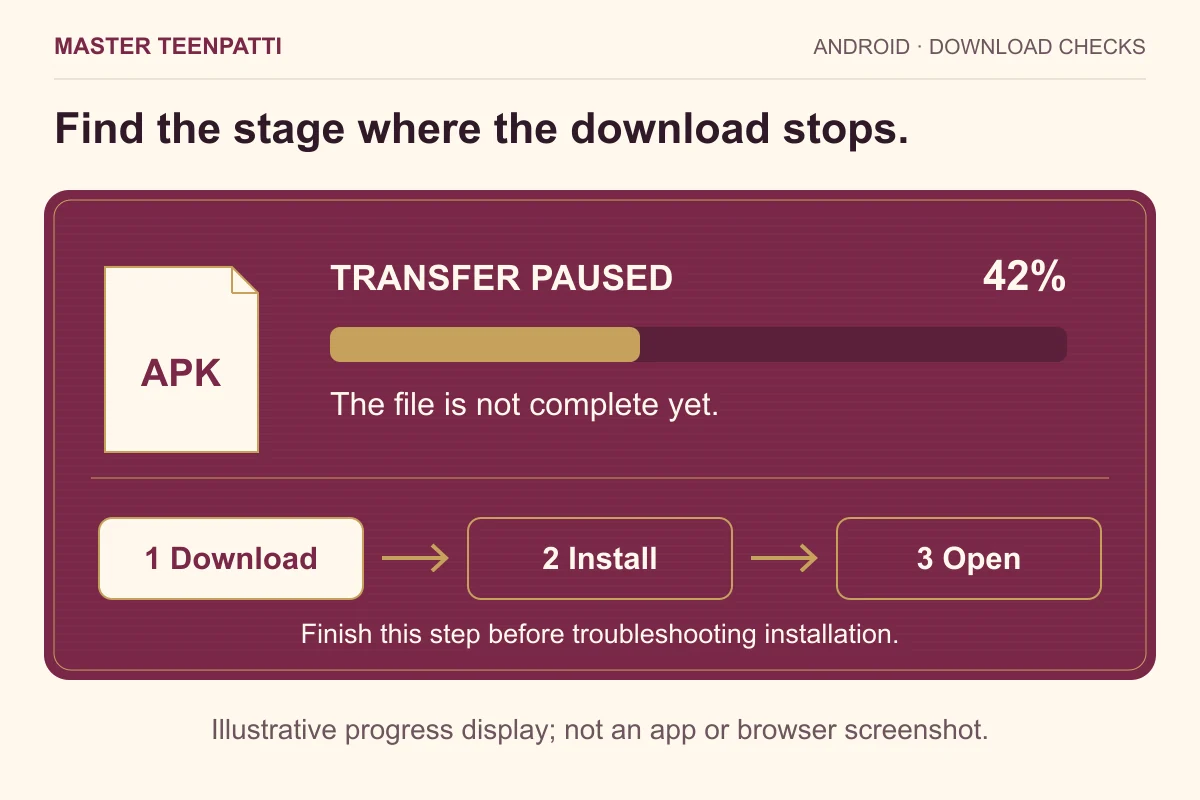
APK Download Stuck on Android? Check the Stage First
An APK download that pauses, disappears or reaches 100% needs different checks. Follow an Android download worksheet before changing installation settings.
Read guide →Keep the inspection date with the file
The default APK inspected on 13 October 2026 contains 58,114,094 bytes. Its full hash and package values are in the record. Article publication and file inspection are different dates; neither establishes a new app release.
Describe an error as a sequence: download completed → file opened → exact Android message. If installation succeeds but sign-in fails, use the operator’s verified account support. A file checklist cannot inspect an account.